
Blog Banner Image

Business and Technology Latest Blog Insights

When Does HubSpot Portal Management Outgrow Your In-house Team?

When Does HubSpot Portal Management Outgrow Your In-house Team?

Gaurav SaxenaGaurav Saxena

With the growth of your company, HubSpot portal management will likely become very complex for your internal team to handle effectively. The process of managing workflow, integrations, data, permissions, reporting, and automation is something that takes a special skill set as well as constant oversight. If your internal team is spending more time solving issues with the HubSpot portal than making sure that your marketing and sales processes are working effectively, you might be in over your head. Understanding the right time for outsourcing your HubSpot portal will allow you to optimize the performance of your portal and facilitate your business development. Here is the list of signs that show your internal HubSpot team is overloaded. What Is HubSpot Portal Management? Short Answer: HubSpot portal management means staying current and upgrading the HubSpot account that is used by a particular business so that its CRM, mar

Read More
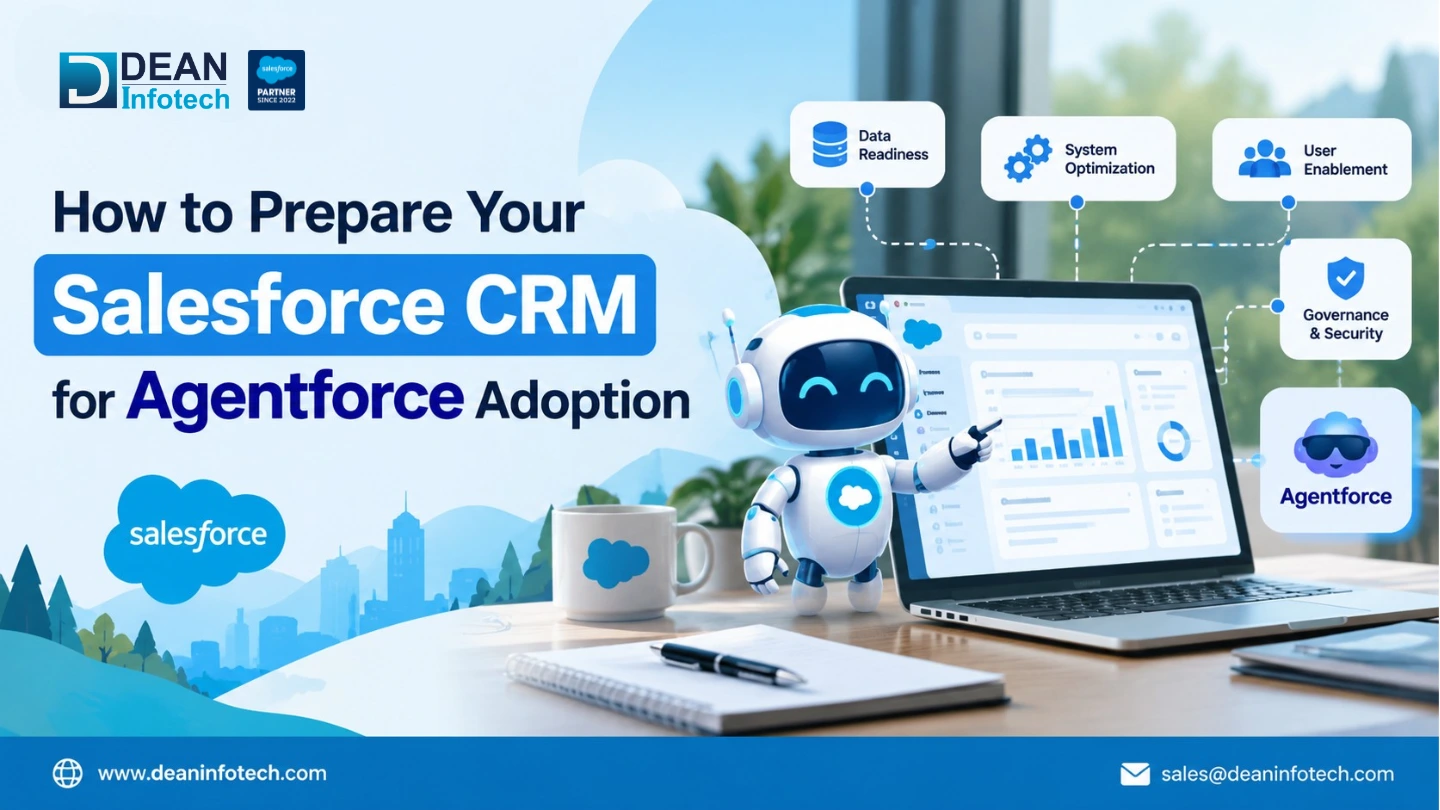
How to Prepare Your Salesforce CRM for Agentforce Adoption

How to Prepare Your Salesforce CRM for Agentforce Adoption

Bharat KhatriBharat Khatri

Agentforce provides organizations with an opportunity to automate their customer interaction, optimize their processes, and enhance their experience through Salesforce. However, before using Agentforce, a business should have a strong basis in its CRM. It is crucial for a business to know the quality of its Salesforce data and whether there is enough automation for an AI-driven workflow prior to implementing Agentforce. Just activating Agentforce does not guarantee that you are going to get the results. Poor data, poor processes, poor automation, and problems with access may hinder the opportunities of an agent and create some unnecessary obstacles for implementing the product. Preparation of your Salesforce CRM prior to implementation will allow building a basis for implementing Agentforce. Here is what you need to know about preparing your <

Read More
GoHighLevel Developer vs DIY: Which Is Better?

GoHighLevel Developer vs DIY: Which Is Better?

Tanya AroraTanya Arora

GoHighLevel has become a wonderful choice for business owners who would like to handle all CRM processes, sales funnels, marketing automation, and communication via one platform. However, the whole procedure of setup and customization makes us come up with the problem of choosing between doing everything on our own and seeking help from specialists. It is hard to decide on either a GoHighLevel developer or DIY since there are certain factors that affect the choice, such as our technical abilities, needs of our business, budget, and complexity of our workflow. What Is DIY GoHighLevel Development? Short Answer: The DIY or Do It Yourself approach towards developing with GoHighLevel involves managing, configuring and customizing the GoHighLevel account yourself without seeking help from a professional programmer.In contrast to the outsourcing of tasks, the owner of a business or an internal team of a company performs activit

Read More
Remote Developer Staff Augmentation: Guide, Cost & Models

Remote Developer Staff Augmentation: Guide, Cost & Models

Ankit AgarwalAnkit Agarwal

Hiring a developer in-house takes longer than most product roadmaps can afford. Job posts, screening rounds, notice periods, and salary negotiations can stretch a single hire past three months, and the work keeps piling up in the meantime. Remote developer staff augmentation offers another route: you add skilled engineers to your team on demand, without building permanent headcount first. This guide explains what the model is, how it works, what it costs, and how to choose a partner, so you can decide whether it fits your team. What Is Remote Developer Staff Augmentation? Short Answer: Remote developer staff augmentation <span style="background-color:transparent;color:#00

Read More
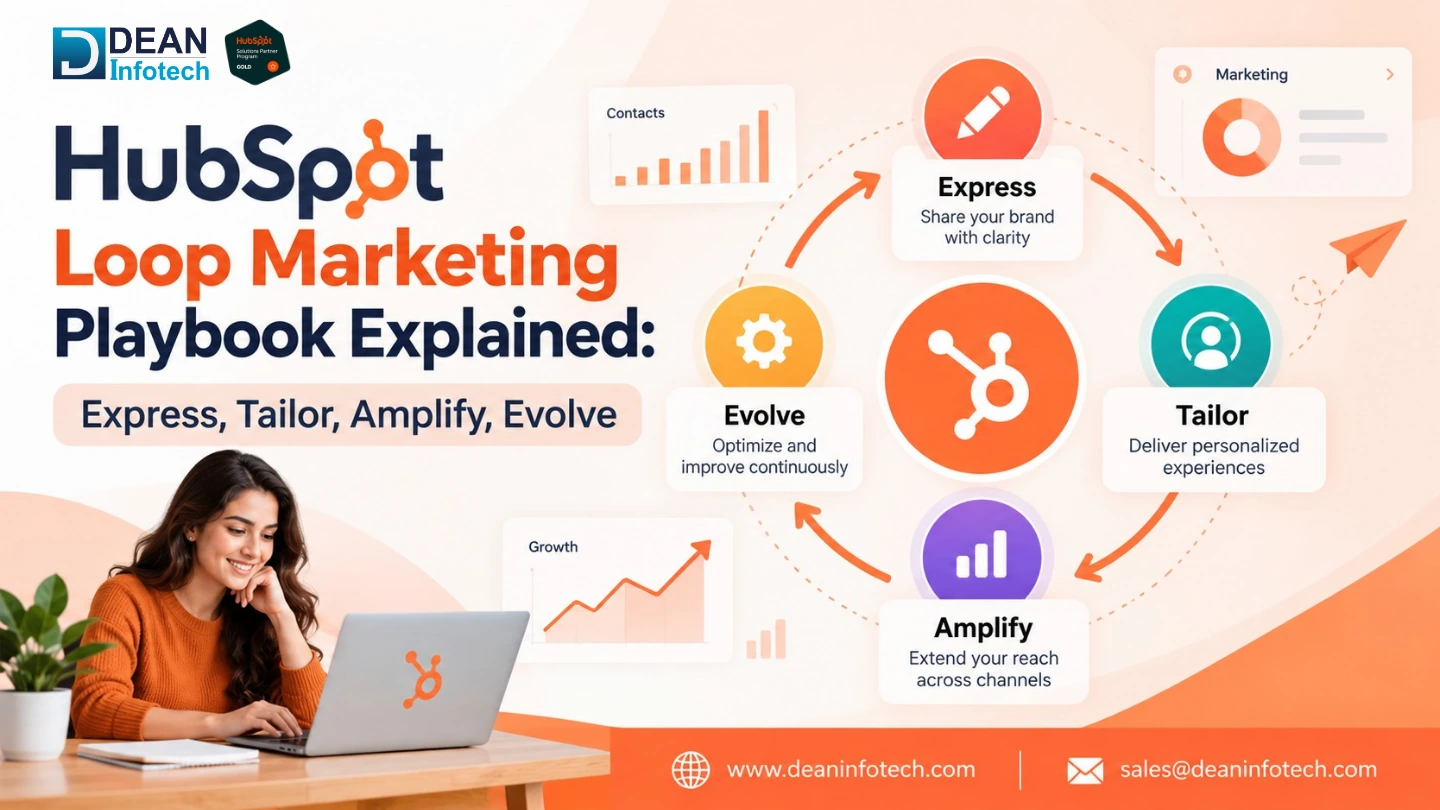
HubSpot Loop Marketing Playbook Explained: Express, Tailor, Amplify, Evolve

HubSpot Loop Marketing Playbook Explained: Express, Tailor, Amplify, Evolve

Gaurav SaxenaGaurav Saxena

Marketing is increasingly transcending the old funnel models into continuous, customer-centric growth models. The HubSpot Loop Marketing framework is a concrete approach that involves four key steps namely, Express, Tailor, Amplify, and Evolve. These four steps ensure that a company can attract its audience, tailor marketing for customer experience, scale up successful marketing campaigns, and continuously optimize marketing efforts. The process is enabled by integrating the above activities with the HubSpot CRM where the customers' data and insights can be used to facilitate more meaningful and valuable engagement with the customers. What is HubSpot Loop Marketing? Short Answer: Loop Marketing by HubSpot <span style="background-color:transparent

Read More
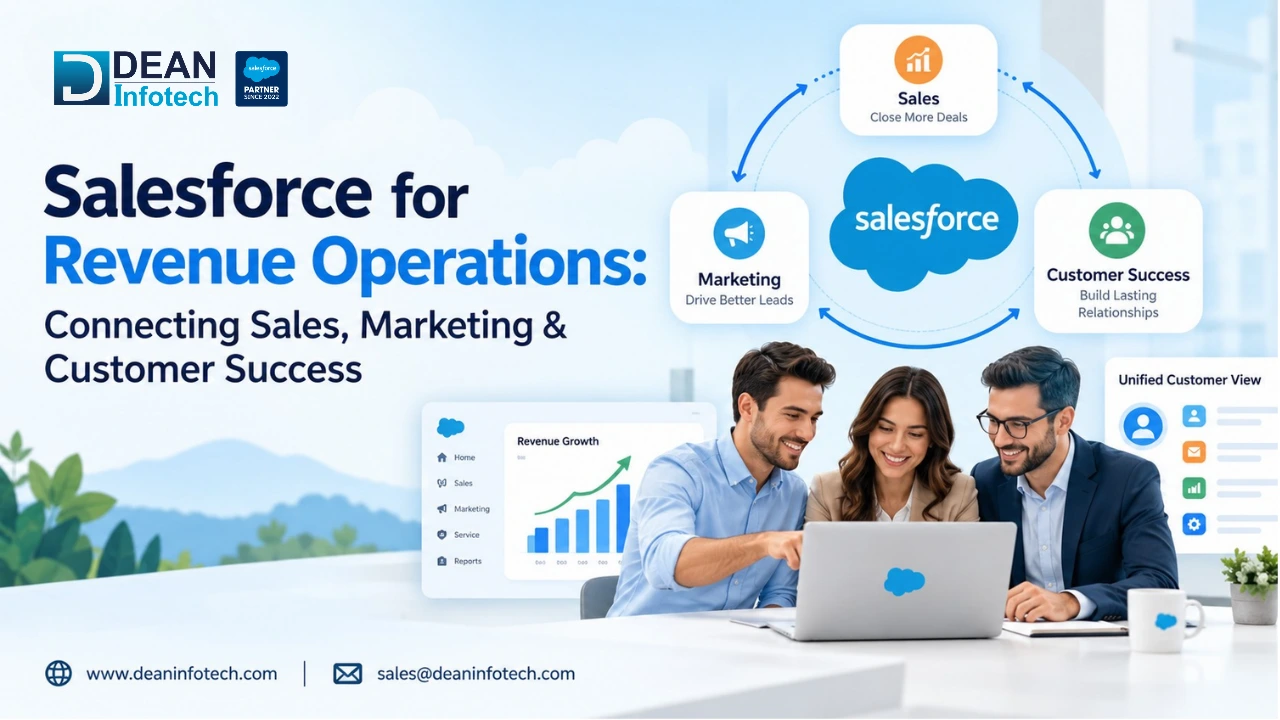
Salesforce for Revenue Operations: Connecting Sales, Marketing & Customer Success

Salesforce for Revenue Operations: Connecting Sales, Marketing & Customer Success

Bharat KhatriBharat Khatri

Sales, marketing, and customer success teams in RevOps have common goals and data to work on and also operate under the same process. In this age of business complexities, disintegrated systems and disintegrated data could hamper efficiency and lead to issues such as inefficiency in lead generation, converting leads, and retention of customers. As a result, Salesforce RevOps is the best platform that can help all these teams come together and have a holistic view of customer interaction. By having integrated customer data, streamlined workflow processes, and visibility within different teams, Salesforce can make organizations work much more efficiently and make decisions based on that information. What Is Salesforce for Revenue Operations? Short Answer: <a href="https://www.deaninfot

Read More
When Should You Hire a GoHighLevel Developer?

When Should You Hire a GoHighLevel Developer?

Tanya AroraTanya Arora

There's a point in almost every GoHighLevel setup where the drag-and-drop builder stops being enough. Maybe a workflow needs logic the visual automation panel can't handle. Maybe a client wants a custom integration with a tool that doesn't have a native connector. Maybe the funnel needs something the template library was never built to do. That's usually the moment agencies start asking when to hire a GoHighLevel developer instead of trying to push through it themselves. The tricky part is that GoHighLevel is genuinely built for non-developers. Most of the platform runs on visual workflows, pre-built snapshots, and configuration panels, which is exactly why so many agencies go months, sometimes years, without ever needing outside help. But there's a real ceiling to what point-and-click tools can do, and hitting it usually looks less like a dramatic failure and more like a slow accumulation of workarounds, broken automations, and features you've quietly given up on. This guide breaks dow

Read More
Common Staff Augmentation Mistakes Businesses Should

Common Staff Augmentation Mistakes Businesses Should

Ankit AgarwalAnkit Agarwal

Businesses rarely get the chance to plan their hiring needs months out. A new project shows up unannounced, a system suddenly needs an overhaul, workloads spike out of nowhere, or the team is missing exactly the skill it needs right when it counts. That's the gap IT staff augmentation services are built to fill; they let companies bring in experienced people on short notice, without committing to a full-time hire every time a need pops up. But it's not a sure thing. Choose the wrong staffing approach, or manage the augmented team poorly, and most of the benefit disappears. Vague job requirements, sloppy communication, rushed onboarding; none of these seem like a big deal on their own, but they compound quickly. Before long, you're dealing with blown deadlines, rising costs, and a team that's not delivering. Understanding where these traps typically show up is what separates the businesses that get real value from IT staff augmentation from the ones that end up frustrated. <

Read More
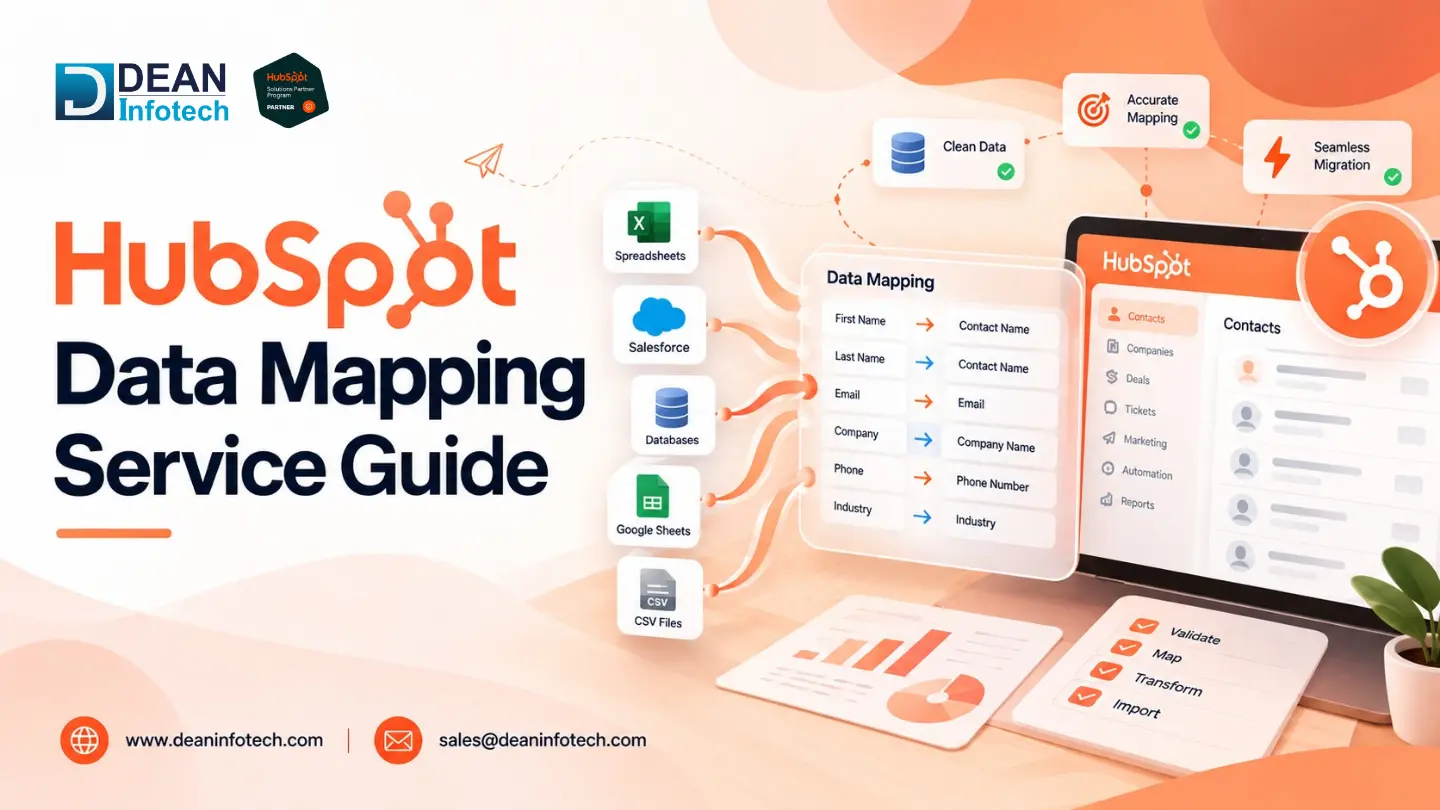
HubSpot Data Mapping Service Guide

HubSpot Data Mapping Service Guide

Gaurav SaxenaGaurav Saxena

Most HubSpot problems that get blamed on the tool are really data problems. Reports that don't add up, duplicate contacts, deals with no company attached, workflows that fire on the wrong people. When you trace them back, the cause is often the same: data went into the CRM without a clear plan for where each piece belongs. That plan is what a HubSpot Data Mapping Service provides. This guide covers what data mapping is, why it matters, what a good service includes, when you need one, and which mistakes to avoid. What Is HubSpot Data Mapping? Short Answer: Data mapping in HubSpot involves the alignment of fields from the source systems (excel sheets, o

Read More